
Why accessibility and SEO belong together
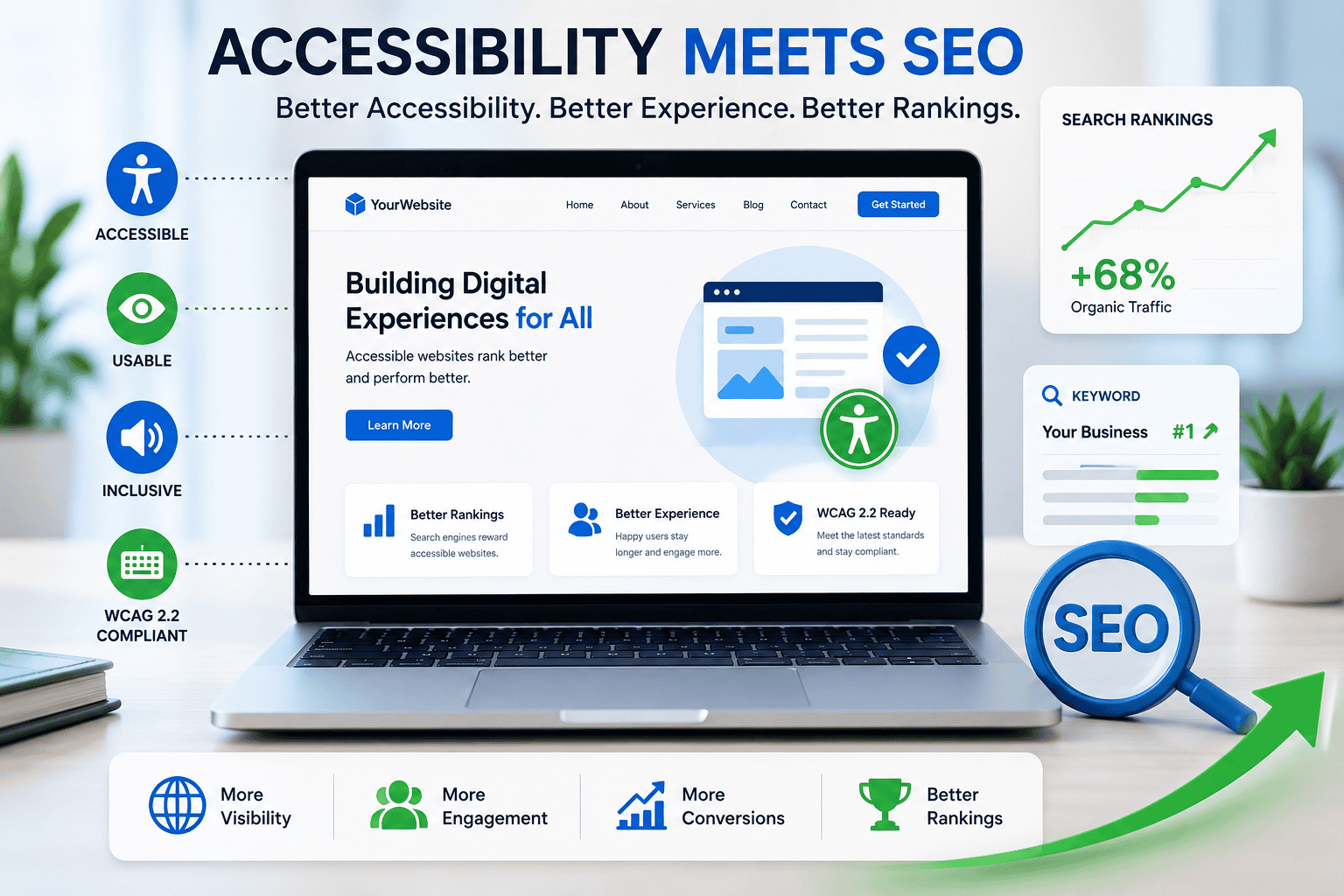
Website accessibility and search engine optimisation are often treated as separate jobs, but they share the same goal: helping real people accomplish tasks quickly. When your site is easier to use for everyone, it tends to rank better, convert more visitors and generate fewer support queries. Clean semantic HTML helps Google understand your pages. Clear headings and descriptive links lift relevance. Faster, more stable pages reduce bounce rates. For UK businesses competing in busy markets like Leeds, Bradford and across West Yorkshire, accessibility is not just the right thing to do—it is a practical SEO advantage.
A quick primer on WCAG 2.2
WCAG 2.2 is the latest set of Web Content Accessibility Guidelines. It builds on previous versions and introduces new success criteria that matter for day-to-day usability, especially on mobile. Here are the highlights and why they help both accessibility and SEO:
Focus not obscured
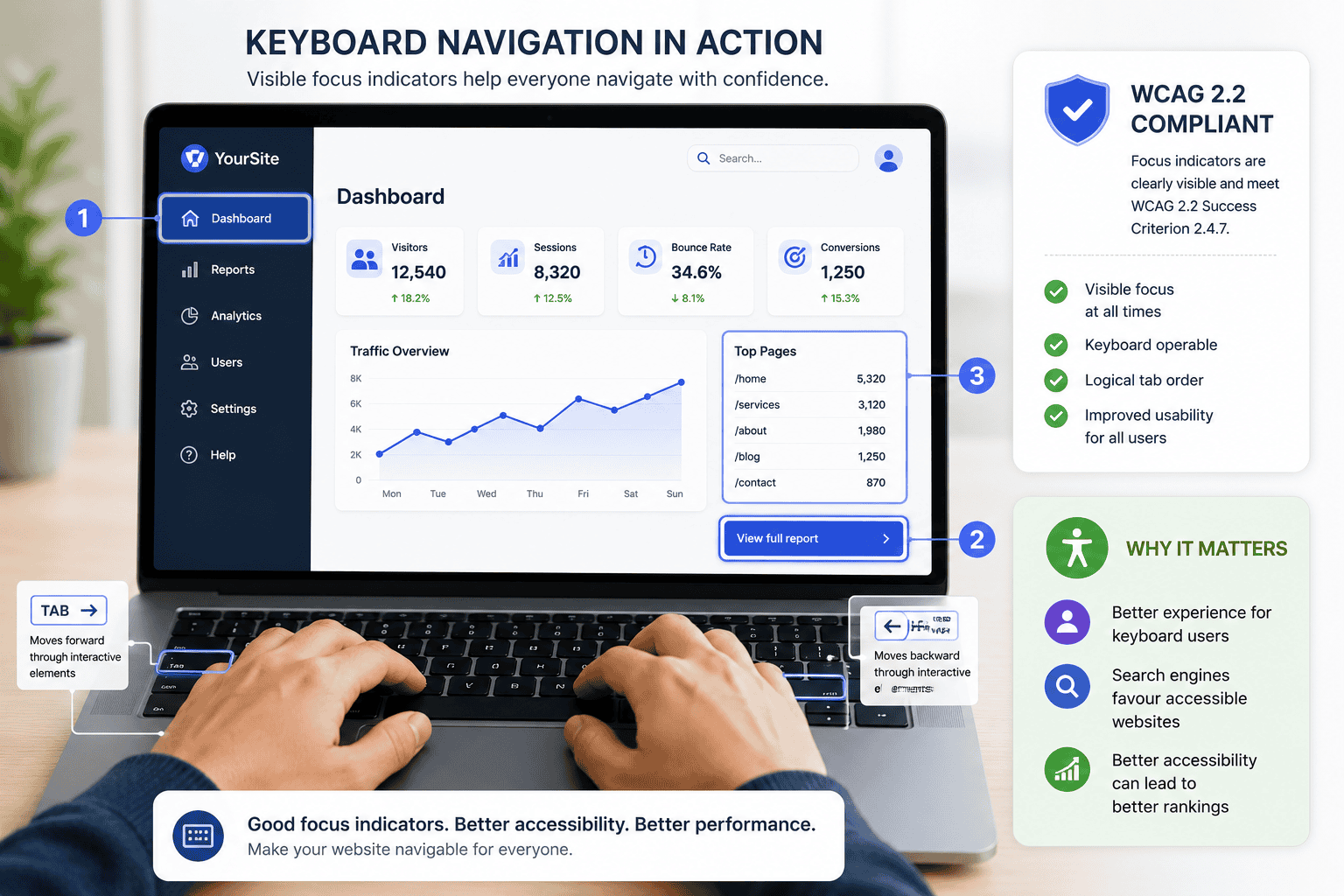
Interactive elements must remain visible when focused, even with sticky headers or consent banners. Clear focus improves keyboard navigation and reduces frustration, keeping users on the page longer—an indirect positive for engagement signals.
Dragging movements
Anything that requires dragging (sliders, drag-and-drop carts) needs an alternative such as simple taps or clicks. This improves usability for touch and mobility impairments and typically boosts mobile conversions.
Target size
Tappable targets should be large enough and well spaced. Bigger targets reduce mis-taps, speed up journeys and lower abandonment on forms and checkouts.
Consistent help
If help is offered (chat, phone, FAQs), it should be consistently available in the same location. Consistency reduces cognitive load and improves completion rates for key tasks like booking or purchasing.
Redundant entry
Do not make people retype information they have already provided. This reduces friction, improves form completion and directly supports conversion rate optimisation.
Accessible authentication
Login and verification should not depend on complex puzzles or memorised data alone. Alternatives like device prompts or email links make returning visits smoother, which supports repeat conversions and lifetime value.
The business case in UK terms
Accessible design aligns with the Equality Act 2010’s requirement to make reasonable adjustments. For public sector bodies, accessibility regulations are even more explicit. Even if you are a private business, improving accessibility protects you from avoidable complaints and opens the door to millions of UK customers with access needs—along with anyone using a phone one-handed on a busy train. From an SEO perspective, better structure, clearer content and faster interactions contribute to stronger organic performance.
Quick wins you can ship in two weeks
Get your headings and structure right
Use one H1 per page that describes the main topic, then step down logically with H2s and H3s. This helps screen readers and gives search engines a clear content outline. Avoid skipping levels and keep headings meaningful rather than stuffed with keywords.
Write alt text that helps people and search
Alt text should describe the purpose of an image, not just its appearance. For product pages, mention the product name, key attribute and what the image shows. Skip decorative images with empty alt attributes so assistive tech can ignore them. Good alt text improves image SEO and accessibility at the same time.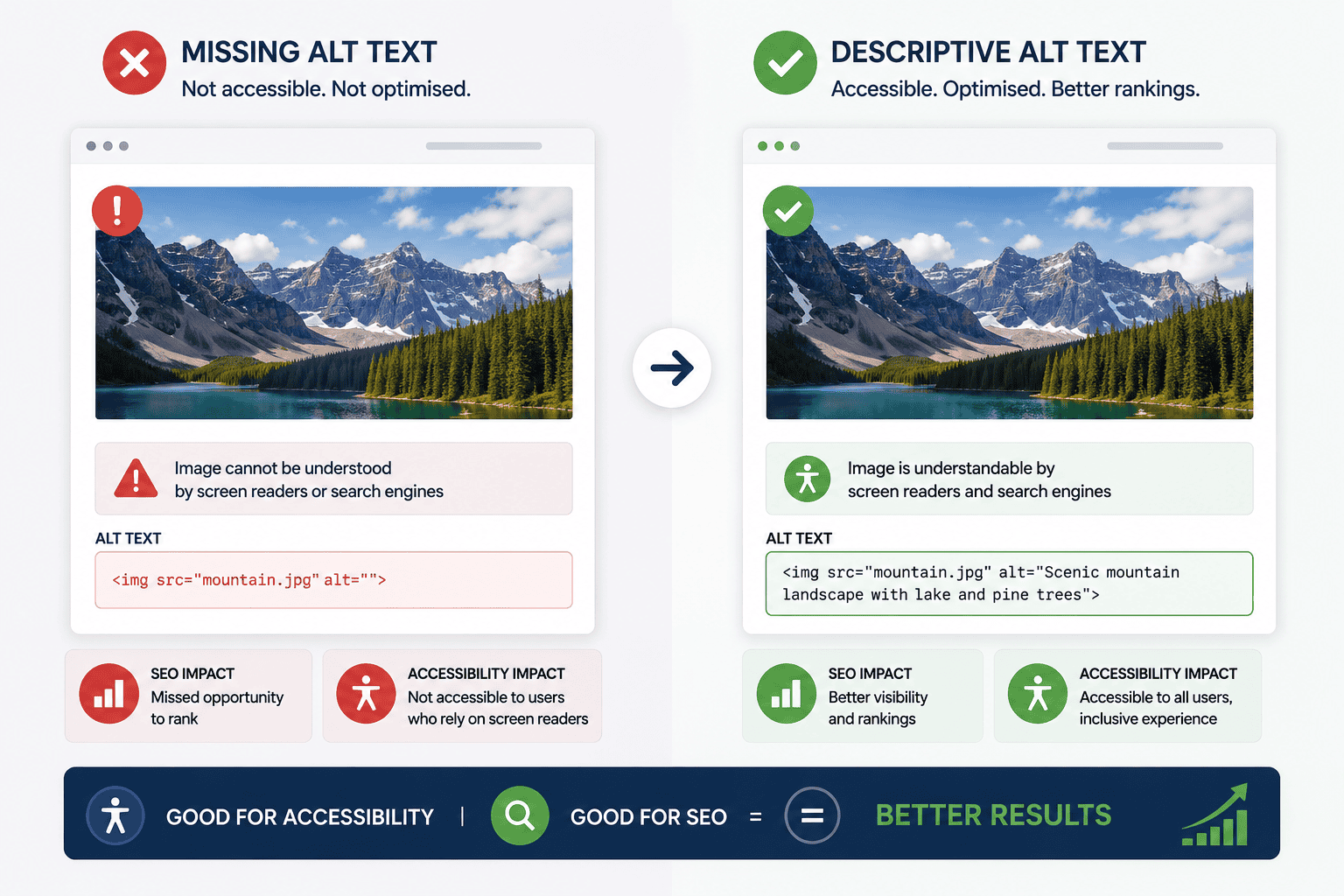
Make keyboard navigation effortless
Every interactive element must be reachable and operable by keyboard alone. Ensure the focus indicator is clearly visible and not hidden by sticky UI. Add “Skip to content” links so keyboard users can bypass navigation quickly.
Fix colour contrast and states
Check colour contrast for text and interactive elements. Ensure hover, focus and active states are visually distinct. Clear states reduce errors and help users feel in control, which improves engagement metrics.
Stabilise layouts to reduce frustration
Reserve space for banners, ads and embeds so the page does not jump as it loads. Layout stability supports accessibility and improves Core Web Vitals, particularly Cumulative Layout Shift.
Provide forgiving forms
Group related fields, use clear labels, show examples, and validate inline with polite, specific messages. Remember “redundant entry” from WCAG 2.2: prefill what you can, and never ask for the same thing twice.
WordPress and WooCommerce specifics
Choose an accessible theme and keep it lean
Start with a theme that follows semantic HTML and landmark roles. Avoid heavy add-ons that bloat JavaScript and slow down interaction. Fast, lean pages help users and improve Core Web Vitals.
Use native components where possible
The WordPress block editor and WooCommerce core components are generally better for accessibility than many third-party widgets. When you do need a plugin, test it with keyboard and screen reader before rolling out.
Add structured data alongside accessible content
Product, FAQ, Article and Breadcrumb schema help search engines understand your content. When combined with accessible headings and alt text, you get both richer results and a better experience.
Manage focus and modals properly
If you use pop-ups for consent or promotions, trap focus within the modal, provide a clear close action and return focus to the trigger when closing. Poorly implemented modals are a common accessibility blocker and a conversion killer.
Measuring impact without drowning in tools
Do a five-minute manual test
Unplug the mouse and try to complete a key task using only the keyboard. If you cannot buy, book or submit an enquiry comfortably, neither can some of your users.
Use a lightweight audit checklist
Run a contrast checker, test heading order, tab through forms, and examine focus visibility. Combine that with PageSpeed Insights or Lighthouse to catch performance and stability issues.
Listen to your analytics
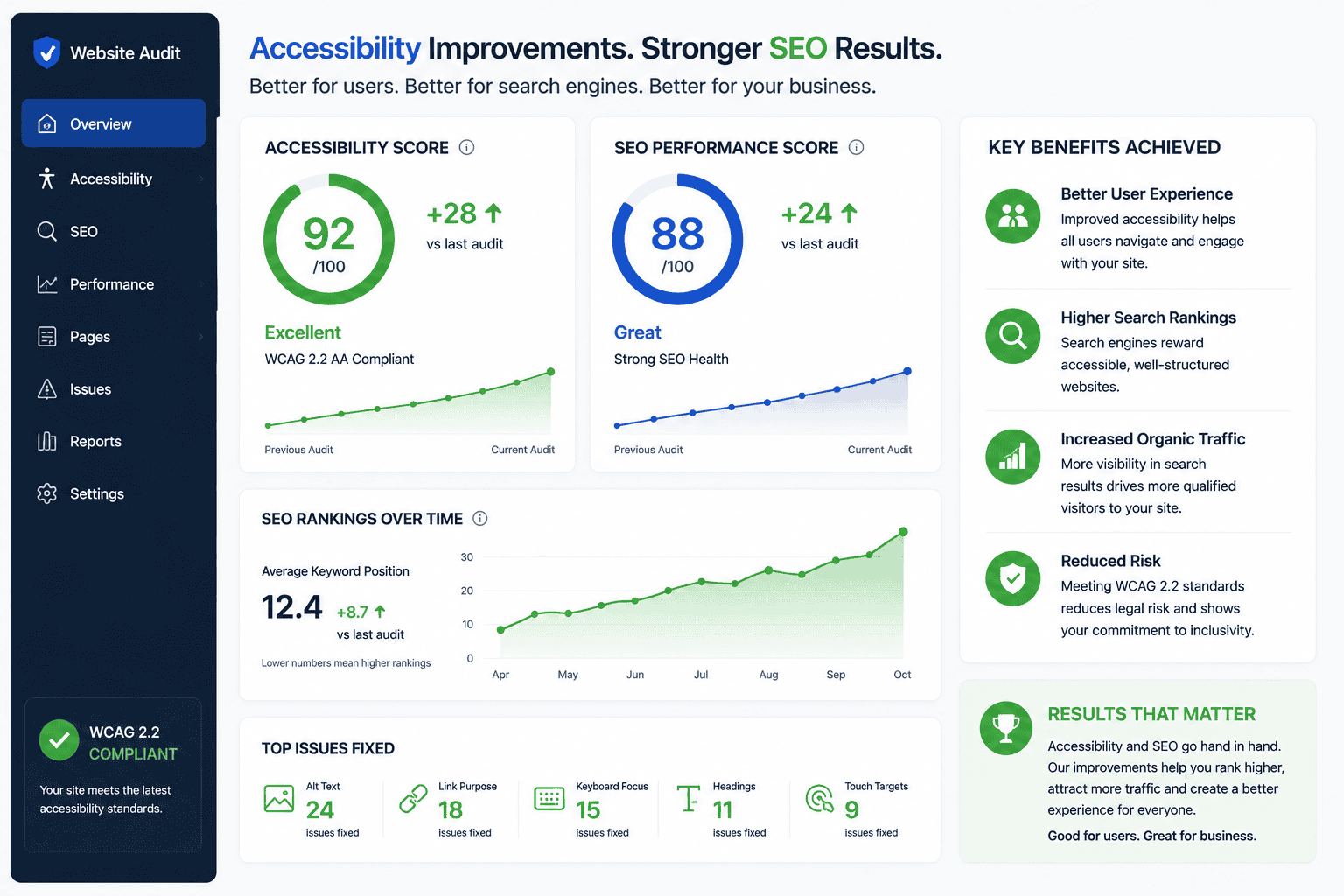
Track form errors, field drop-offs and rage-clicks. If users struggle with a step, fix it and watch completion rates improve. Pair GA4 with session replays (configured to respect consent) to see where people get stuck.
How accessibility bolsters your SEO fundamentals
Better crawlability and context
Clear headings, lists and landmarks make it easier for search engines to parse the meaning of a page. Descriptive link text strengthens internal linking and helps pages rank for the right topics.
More helpful snippets
Accessible content is usually well structured, which is exactly what featured snippets, FAQ rich results and sitelinks thrive on. The clearer your structure, the more likely you are to win extra SERP real estate.
Stronger engagement signals
When users can read, navigate and purchase effortlessly, you see longer dwell times and more conversions. While no single engagement metric is a direct ranking factor on its own, the combined effect of better UX supports organic growth.
A simple roadmap for UK businesses
Run a light accessibility and performance audit across your top templates: homepage, key service page, top category and a product page.
Fix the easy wins first: headings, alt text, focus and colour contrast.
Stabilise the layout and trim third-party scripts to improve Core Web Vitals.
Tackle forms: remove redundant entry, clarify errors and increase target sizes for touch.
Re-test with keyboard and mobile.
Share a short accessibility checklist with your content team so new pages launch compliant by default.
Why work with a local team
We design, build and optimise websites for UK businesses every day, with a particular focus on accessibility that supports SEO and conversions. Based in Bradford, we are well placed to meet across West Yorkshire for audits, workshops and hands-on fixes. Whether you run a WordPress brochure site or a busy WooCommerce store, we can help you align WCAG 2.2 with search best practice—so your site is easier to use, faster to rank and better for your customers.
